Compose - PC
Feature Overview
In Docker applications, a “project” is a collection of applications based on Docker Compose technology. Unlike managing individual containers separately, a “project” allows you to define and run a set of interrelated containers—such as a “WordPress website” and a “MySQL database” that need to work together—all at once using a single configuration file (YAML).
Creating a New Project
You can apply Docker Compose configuration code found online directly to your NAS to quickly deploy complex applications.
-
On the "Projects" screen, click the "Create" button.
-
Give your project a name (e.g., my-web-stack). The system will automatically create a folder with the same name as your project in the
dockerdirectory under the shared folder to store the configuration files generated by the project. -
Paste the code that begins with
version: '3'orservices:into the text box.
If you already have a .yaml or .yml file on hand, you can also choose to import it directly.
- Once you have confirmed that the configuration is correct, click “Deploy Now.” The system will automatically download all required images and start the services.
Modify Project Configuration
When you need to modify service settings (such as changing a database password or adding a port mapping), please follow these steps:
-
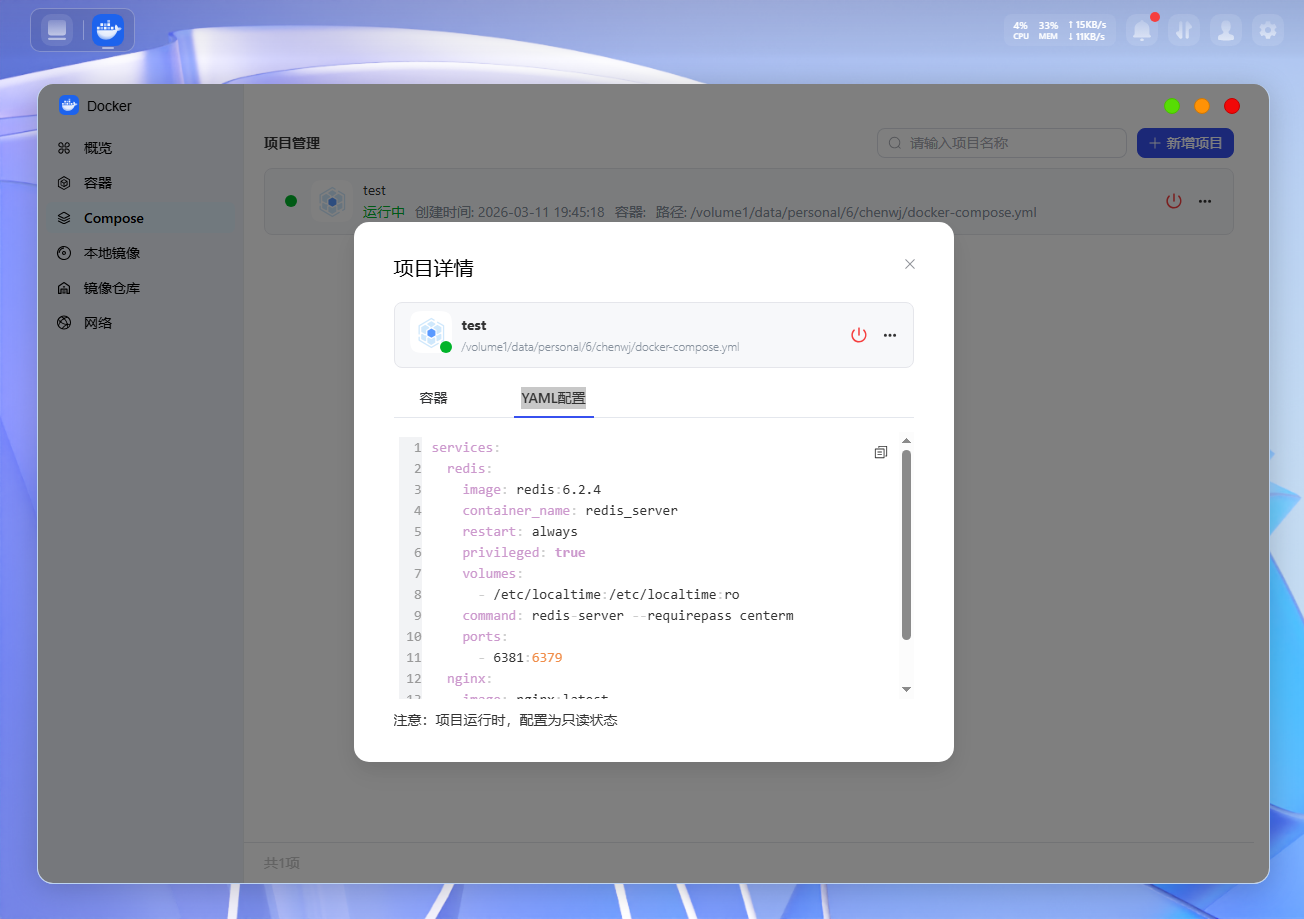
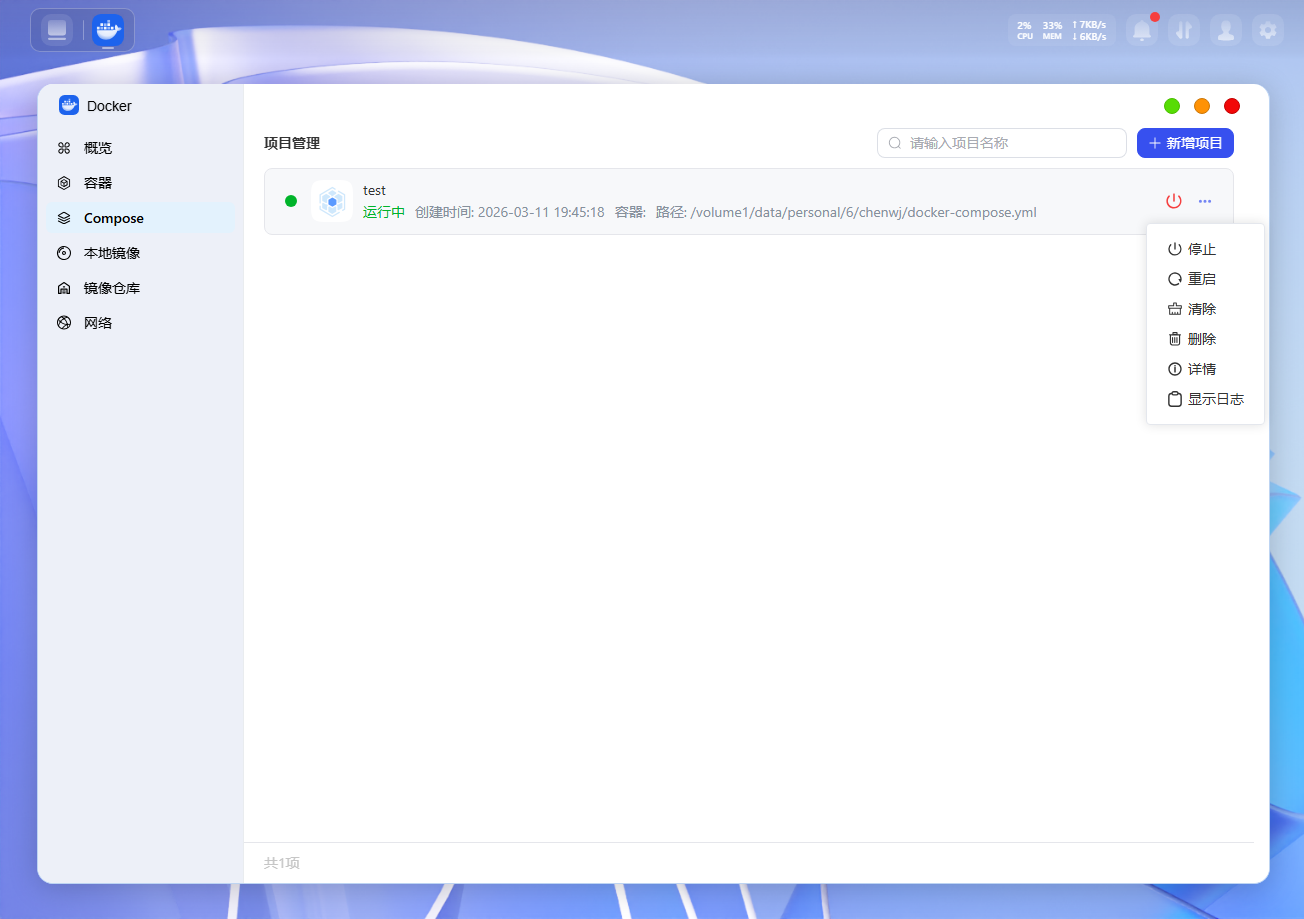
In the project list, click “...” > “Details,” then switch to the “YAML Configuration” tab.
-
Edit the YAML code directly in the editor.
-
Once you’ve finished making changes, be sure to click the “Deploy Again” button. The system will apply the new configuration and rebuild the relevant containers for the changes to take effect.